5 Best PDF Translator Tools in 2026: Formatting, Limits & Pricing Compared
The best PDF translator is the one that gives you a usable downloaded document, not just a convincing preview. Tables can shift, columns can read in the wrong order, and a scanned page may come back untranslated. Even fluent translation needs a check of numbers, names, and warnings.
This guide compares five options for different jobs: LingFlow, PDFTranslator.org, Google Translate, DeepL, and Smallpdf. If you translate PDFs repeatedly, start with a representative file in LingFlow’s pdf translator; if you only need to understand one short document, a browser tool may be enough. We use the same reference document and review criteria for every product, while keeping published features separate from observed output.
| Your main need | Start with | Why it may fit |
|---|---|---|
| Repeated PDF projects | LingFlow | Project-based translation and credit model |
| A no-sign-up upload | PDFTranslator.org | Free monthly page allowance on its public upload page |
| A quick free first pass | Google Translate | Browser document translation |
| Terminology and review controls | DeepL | Glossary and document options in eligible plans |
| Translation alongside PDF utilities | Smallpdf | Translation within a wider PDF toolkit |
How We Compared the Tools
The hands-on comparison uses one reference PDF for all five products. The original PDF—not its preview image—is the file to upload to each tool. Select the same source and target languages, use the default translation workflow unless a setting is essential to complete the job, and download each result. This keeps the source content and language pair consistent across products.
Review the downloaded PDFs side by side against the original, page by page. Check whether every passage was translated; whether headings, paragraphs, tables, images, and reading order remain usable; and whether names, numbers, units, and technical terms retain their meaning. Note visible artifacts such as clipped text, shifted labels, missing pages, or untranslated sections. A successful upload or polished preview does not count as a successful translation if the downloaded file fails these checks.
Record practical constraints separately: sign-in, free allowance, file-size or page limits, available output formats, and any steps needed to finish and download. Product-page descriptions and prices are useful context, but they are not test results. A quality ranking should come from the completed translations of this same PDF, not from marketing claims or different sample files.
Five PDF Translator Options by Use Case
1. LingFlow: For Repeated Document Projects
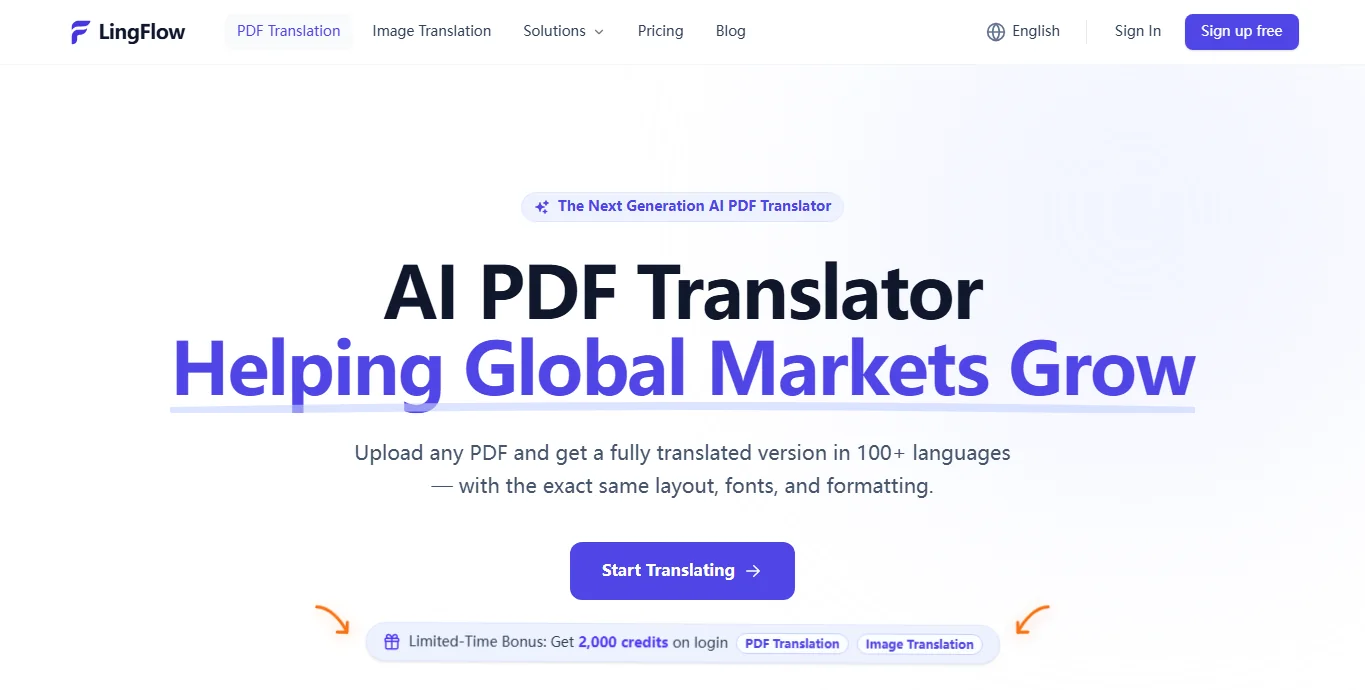
LingFlow’s PDF page describes OCR for scanned files, layout preservation, terminology consistency, batch processing, and project-based handling. Those are relevant if you regularly translate manuals or catalogs and need to keep working with the result. They are published product capabilities, not results from the common-PDF comparison. Sign-in is required to use the workspace, so upload a non-sensitive sample and check its output before moving a large project.
Its pricing page currently lists 2,000 introductory credits and 10 credits per standard PDF page. Use the displayed cost in the workspace for your actual file rather than extrapolating from a simple page count; promotions and credit rules can change.
Best fit: a repeatable document workflow. Check first: scan quality, tables, and the credit estimate for your typical file.
2. PDFTranslator.org: For a No-Sign-Up Free Allowance
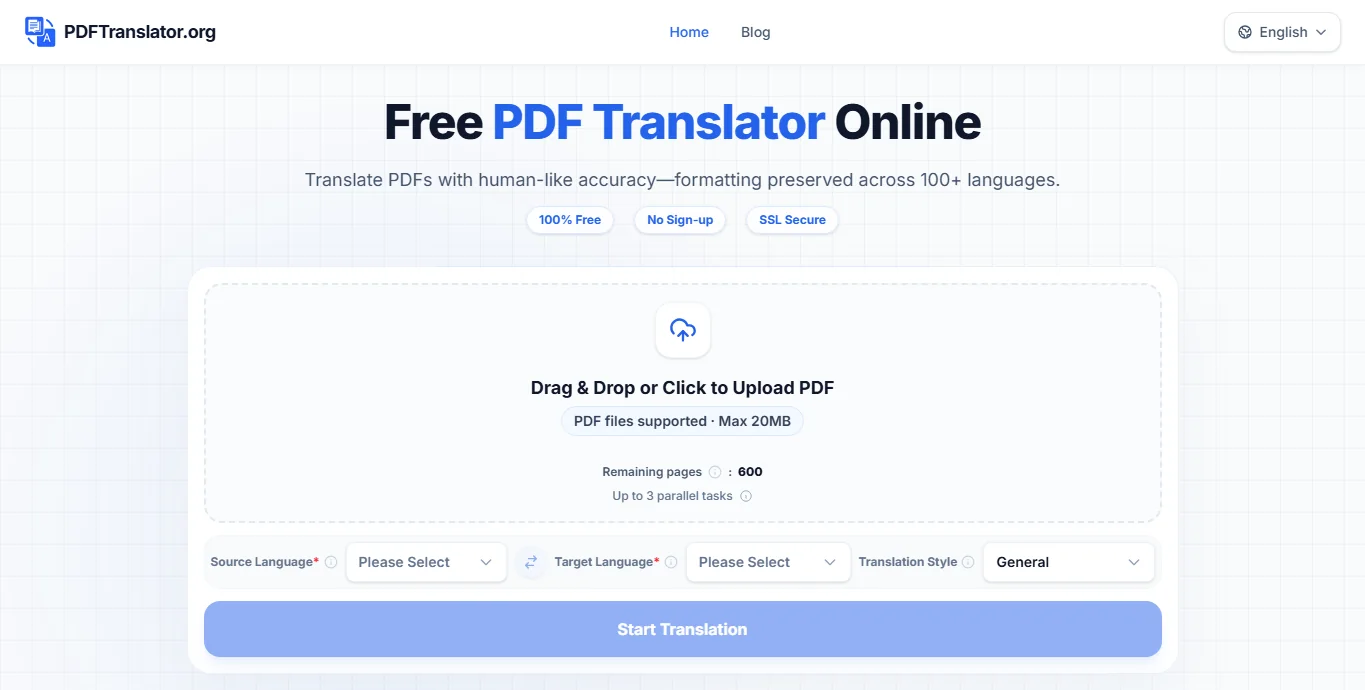
PDFTranslator.org is an independent service with a direct upload form. Its current home page says files can be up to 20 MB and shows 600 free pages per calendar month, without sign-up. It also advertises OCR, 100+ languages, and layout preservation. These are site-stated features, not a verdict on how it handles the reference PDF.
Use the quota displayed at upload time rather than an older comparison chart: the allowance can change. A free page allowance is useful only if the translated PDF passes your own quality check.
Best fit: trying a short or medium PDF without creating an account. Check first: the current allowance, file-size cap, and the downloaded layout.
3. Google Translate: For a Fast Free First Pass
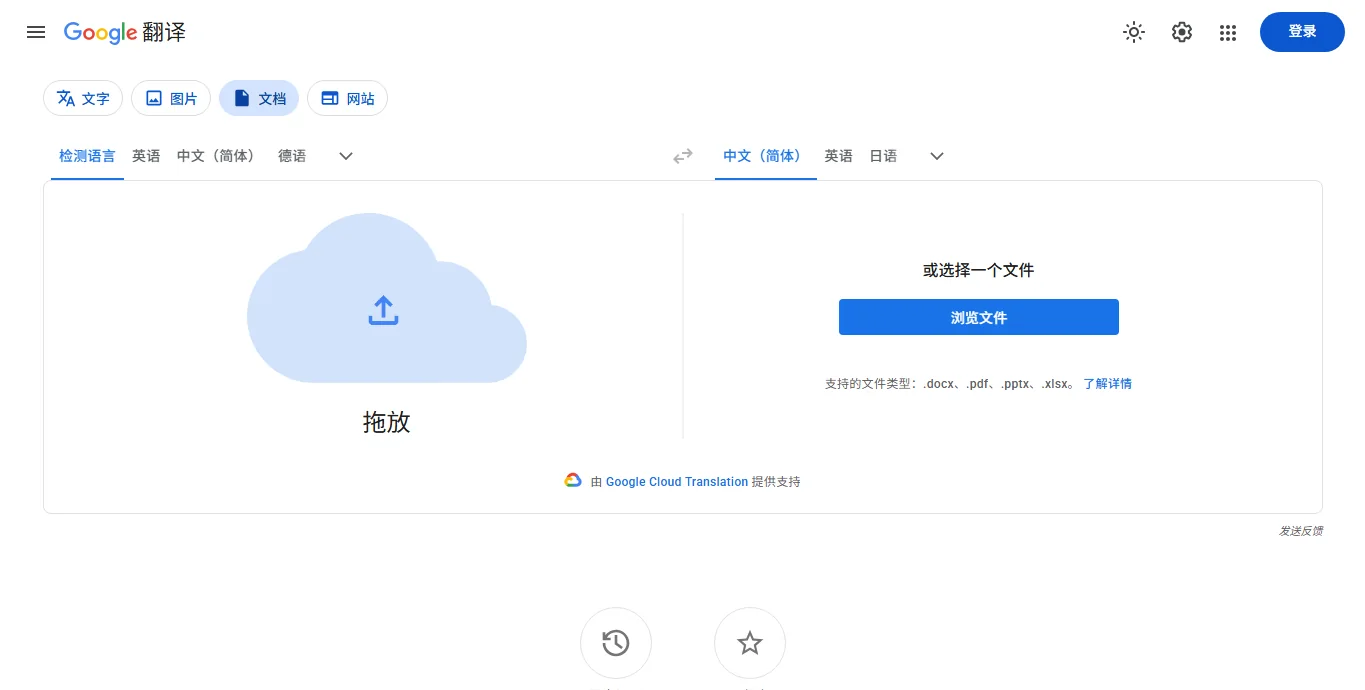
The document-translation help for Google Translate states a 10 MB and 300-page PDF limit, and says document translation is unavailable on mobile or smaller screens. This is a convenient starting point for a short, selectable-text file when you need to understand its contents quickly.
Open the downloaded PDF rather than relying on the preview. Check that the target language is present throughout, that key values are unchanged, and that text on a dense page still follows the correct reading order. Record any untranslated sections in the same comparison notes used for the other four tools.
Best fit: a free first look at a straightforward PDF. Check first: translation coverage, values, and page reading order.
4. DeepL: For Terminology-Led Review
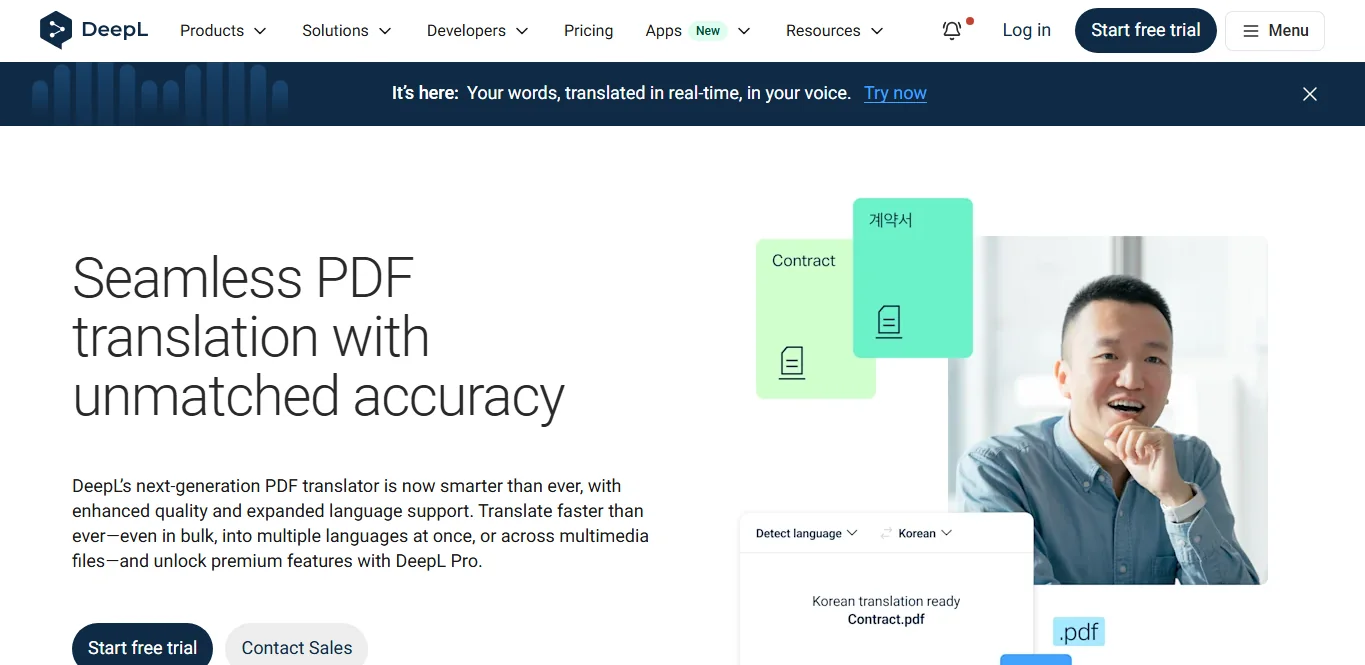
DeepL describes PDF translation with formatting retention. Depending on the plan, its document workflow includes glossary or tone options, bulk upload, and PDF or DOCX output. The provider recommends translating the original DOCX or PPTX instead when a PDF converted from that source gives a poor result. That is practical advice: a source file can offer cleaner structure than a fixed-layout PDF.
File-size and monthly document allowances vary by plan, and starting the file workflow requires an account. Its feature list should not be read as a measured accuracy advantage. Check the current plan entitlement and judge its translation against the same reference PDF used for the other tools.
Best fit: terminology-heavy work with a review process. Check first: quota, file limit, glossary access, and output format in the selected plan.
5. Smallpdf: For an Existing PDF-Editing Workflow
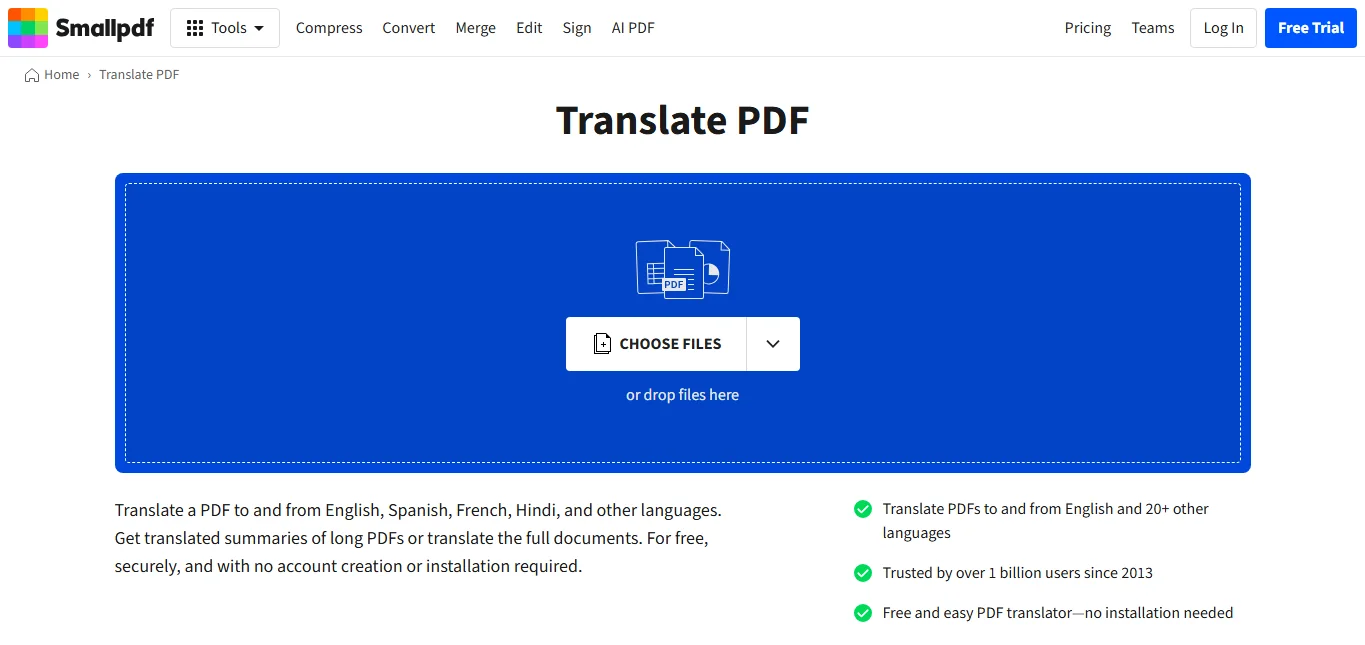
Smallpdf places translation beside conversion, editing, and other PDF tasks. Its current translation page advertises 20+ languages, OCR, and a free entry point. Its FAQ also says images and special layouts do not currently carry over in translated documents. That limitation matters more than a broad formatting promise if your PDF relies on diagrams, complex columns, or positioned labels.
During the common-PDF test, record whether the free workflow completes a download before assessing translation quality. Subscription access and usage limits should be checked at the time of use.
Best fit: people already using Smallpdf for adjacent PDF jobs. Check first: whether your session completes a download and whether essential visuals survive.
PDF Translator Comparison at a Glance
| Tool | Free entry | Limit or cost to check | Layout question |
|---|---|---|---|
| LingFlow | Introductory credits listed | Credits per page and actual workspace estimate | Advertised OCR and layout retention |
| PDFTranslator.org | 600 pages/month currently shown, no sign-up | 20 MB per file; live quota | Advertised OCR and layout retention |
| Google Translate | Browser document translation | 10 MB and 300 PDF pages | Inspect the downloaded file |
| DeepL | Account-based entry | Plan-specific file size and document quota | Try source DOCX/PPTX when available |
| Smallpdf | Limited free entry advertised | Current account and subscription terms | Images/special layouts may not carry over |
Product limits and plan descriptions were checked on September 23, 2026. They can change by region, plan, or promotion. The five tools use different pricing models, so this table is not a cost-per-page benchmark.
How to Choose Without Wasting Uploads
Test the Difficult Page First
If you have the original DOCX or PPTX, try it before the PDF. Otherwise, pick one page that contains the features most likely to fail: a scan, table, multiple columns, captions, or unusual fonts. To see whether a pdf translator can handle your document, translate that page before uploading a book-length file. Compare both the translated words and the downloadable page.
Check Facts, Not Just Fluency
Choose ten facts to inspect in the original and result: names, dates, model numbers, prices, units, and warnings. Then check that a table’s rows still match their labels and that columns read in the right sequence. For contracts, medical records, financial documents, regulatory submissions, or safety instructions, get qualified human review before relying on a machine-translated version; this comparison is not professional advice.
Calculate Your Real Monthly Cost
Estimate your pages and file sizes, then compare the current free allowance or credits with the plan you would actually need. Include OCR, batch work, output format, and any account requirement. A low headline price can be irrelevant if your scanned or complex files need manual repair.
Frequently Asked Questions
Can a PDF translator preserve the original formatting?
Sometimes, but “PDF” covers selectable text, scans, forms, and complex layouts. Test a representative page and look for shifted tables, clipped labels, missing image text, and broken reading order. A provider’s layout claim is not a guarantee for your file.
What is the best free PDF translator?
For a short, simple document, Google Translate is a reasonable first attempt within its published limits. PDFTranslator.org currently displays a larger monthly free-page allowance and a 20 MB file cap, but we have not tested its output. The better choice is the one that returns an accurate, readable PDF for your actual document.
Can AI translate a scanned PDF?
Only if the workflow recognizes text inside the page image before translating it. LingFlow, PDFTranslator.org, and Smallpdf advertise OCR, but scan quality, handwriting, stamps, and faint text can change the result. Verify the downloaded page, not just the upload confirmation.
How should I translate a PDF to English or Chinese?
Select the correct source and target languages, start with a non-sensitive sample, then compare the download with the original. Check figures and layout before sharing it. For confidential documents, review the provider’s current privacy and retention terms and your organization’s rules before uploading.
Bottom Line
There is no credible accuracy winner without reviewing translations of the same PDF across all five tools. The services differ in workflow: LingFlow for repeated projects, PDFTranslator.org for a no-sign-up allowance, Google Translate for a quick first pass, DeepL for terminology-led review, and Smallpdf for a broader PDF toolkit.
Start with the hardest representative page you can share safely. If repeated document translation is your goal, visit LingFlow, review the current pricing, and judge the downloaded file against your own checklist.